
Top Stories
Master These 6 Linux Terminal Hacks NOW for Efficiency Boost

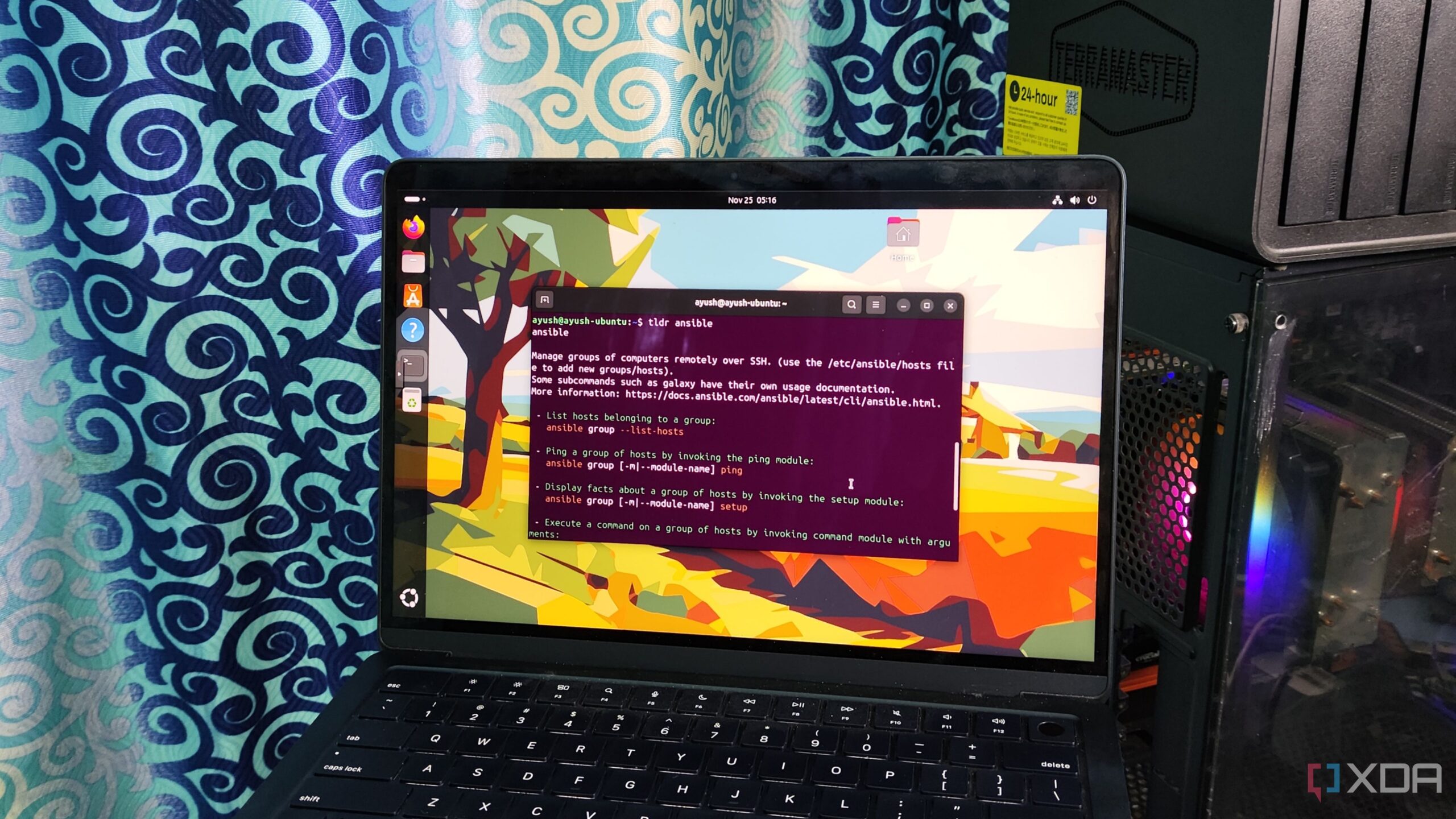
URGENT UPDATE: Tech enthusiasts are discovering vital Linux terminal habits that could transform productivity RIGHT NOW. As users increasingly migrate from Windows to Linux, mastering these six essential skills can significantly streamline command-line interactions and enhance efficiency.
The evolution of Linux has empowered users worldwide, but many remain unaware of powerful shortcuts and commands that can save time and reduce frustration. With the rise of remote work and the need for quick solutions, learning to navigate the terminal effectively is more crucial than ever.
1. Reuse Old Commands Instantly
One of the most frustrating aspects of using the command line is repetitive typing. Fortunately, Linux users can leverage the !! operator to call back the last executed command, while the ! operator retrieves specific arguments from the previous input. This can be a game-changer for those frequently using commands with root privileges.
2. Simplified Help Pages with tldr
As new tools flood the market, understanding their functionalities can be daunting. Instead of sifting through lengthy manuals, users can turn to the tldr package, which offers concise summaries of commands. This essential tool is perfect for those who want quick access to vital information without the clutter.
3. Combine Commands for Efficiency
Users can streamline their workflows by combining commands. The semicolon (;) operator allows for sequential execution, while && ensures that subsequent commands run only if the previous one succeeds. Conversely, the || operator is useful for troubleshooting, letting users execute commands based on failures.
4. Troubleshoot with lsof
Even stable systems like Debian can face hiccups. The lsof command is essential for identifying faulty processes and port conflicts. By checking essential stats, including PIDs and network sockets, users can quickly diagnose issues that may hinder performance.
5. Manage Permissions Safely
Improper file permissions can lead to disastrous results. New users often resort to chmod 777, but this practice can expose systems to vulnerabilities. Instead, using chmod 755 or chmod 555 can provide a safer alternative, ensuring that important files are protected from accidental alterations.
6. Automate Tasks with Cron Scripts
Automation is the key to efficiency in Linux. By utilizing cron scripts, users can schedule tasks with precision. Although the syntax can be complex, tools are available to help ensure that maintenance tasks run smoothly at designated intervals.
As the Linux community grows, these terminal habits can significantly impact productivity and user experience. With the increasing reliance on technology in our daily lives, adopting these practices can make a world of difference.
Next Steps: For those looking to enhance their Linux skills, it’s crucial to start incorporating these habits into your workflow TODAY. Share this article with fellow tech enthusiasts and help spread the knowledge that could transform their Linux experience!

Trump’s Urgent Plea for GOP Support Signals Crisis in Tennessee Race

Appeals Court Disqualifies Alina Habba as New Jersey Prosecutor

Trump Convenes National Security Team Amid Controversial Strikes

Researchers Develop Advanced Microcatheters for Reproductive Health

Dolphins Fight to Keep Playoff Hopes Alive After Saints Win

Maine’s Seniors Face Rising Drug Addiction, Seek Treatment

BMO Capital Markets Sets C$4.00 Price Target for Fireweed Metals

Hedge Funds Surge in November Amid Market Volatility

Transform Your Life: Tana’s New Simple Approach Just Revealed

Inventor Achieves Breakthrough with 2 Billion FPS Laser Video

Community Unites for 7th Annual Into the Light Walk for Mental Health

Charlie Sheen’s New Romance: ‘Glowing’ with Younger Partner

Dua Lipa Aces GCSE Spanish, Sparks Super Bowl Buzz with Fans

Mother Fights to Reunite with Children After Kidnapping in New Drama

Curium Group, PeptiDream, and PDRadiopharma Launch Key Cancer Trial

Former Mozilla CMO Launches AI-Driven Cannabis Cocktail Brand Fast

Tyler Technologies Set to Reveal Q3 Earnings on October 22

North Carolina’s Biotech Boom: Billions in New Investments
-
 Science1 month ago
Inventor Achieves Breakthrough with 2 Billion FPS Laser Video
-
 Health2 months ago
Community Unites for 7th Annual Into the Light Walk for Mental Health
-
 Top Stories2 months ago
Charlie Sheen’s New Romance: ‘Glowing’ with Younger Partner
-
 Entertainment2 months ago
Dua Lipa Aces GCSE Spanish, Sparks Super Bowl Buzz with Fans
-
 Entertainment2 months ago
Mother Fights to Reunite with Children After Kidnapping in New Drama
-
 Health2 months ago
Curium Group, PeptiDream, and PDRadiopharma Launch Key Cancer Trial
-
 Top Stories2 months ago
Former Mozilla CMO Launches AI-Driven Cannabis Cocktail Brand Fast
-
 Business2 months ago
Tyler Technologies Set to Reveal Q3 Earnings on October 22
-
 Health2 months ago
North Carolina’s Biotech Boom: Billions in New Investments
-

 World2 months ago
Israel Reopens Rafah Crossing After Hostage Remains Returned
-

 World2 months ago
R&B Icon D’Angelo Dies at 51, Leaving Lasting Legacy
-

 Entertainment2 months ago
Red Sox’s Bregman to Become Free Agent; Tigers Commit to Skubal