
Top Stories
Urgent Update: Tweak Your Intel CPU for Immediate Gaming Boost

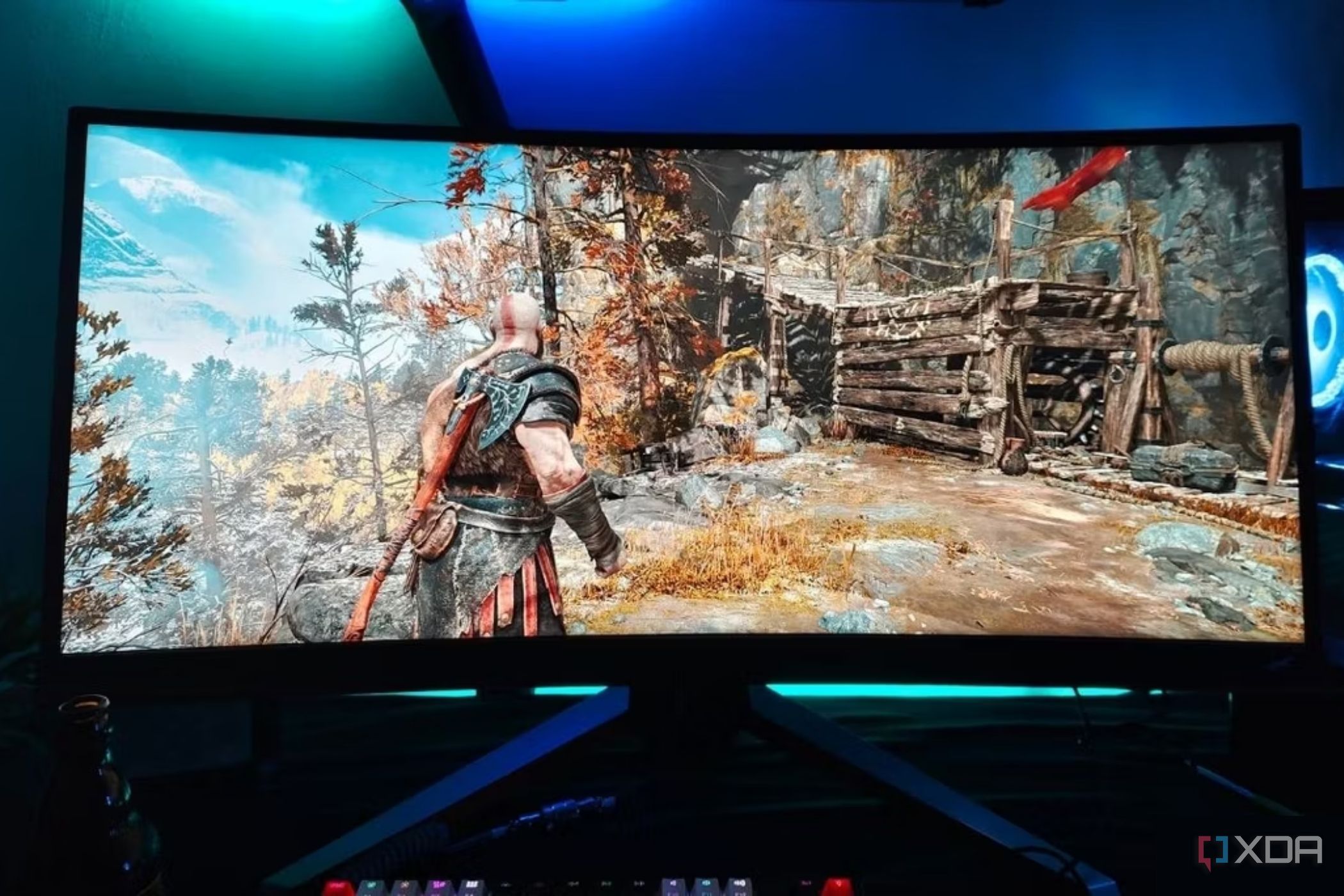
UPDATE: Gamers using high-end Intel CPUs (12th-14th gen) are urged to make a crucial adjustment for enhanced gaming performance and stability. Recent reports reveal that thermal throttling issues are rampant among i7-K and i9-K models, leading to frustrating micro-stutters during gameplay.
This urgent tweak involves reducing the CPU’s P-core all-core multiplier by 300–400MHz, a modification that can significantly alleviate thermal throttling, especially under high temperatures or with inadequate cooling solutions. As ambient temperatures rise above 30°C, CPUs often approach their thermal limits, causing serious performance dips.
The consequences of overheating are severe, manifesting as stutters that disrupt the gaming experience. By applying this adjustment, players can expect to see improved %1 and 0.1% lows, crucial metrics for smoother gameplay. This is particularly beneficial for those using motherboards with weaker voltage regulation modules (VRMs) or for smaller form factor (SFF) builds lacking optimal airflow.
For laptop users, especially those with high-end Intel chips, this underclocking strategy offers a vital lifeline. Laptop cooling systems are typically constrained, so even a modest reduction in boost clock speeds can lead to lower power consumption and improved thermal performance.
However, caution is necessary. Although underclocking can provide immediate stability, it may also pose risks to performance. Unlike undervolting, which can maintain or even enhance performance while reducing power draw, underclocking can lead to performance dips depending on the extent of the frequency reduction. Users must carefully gauge the balance between stability and performance.
“If you notice your CPU hitting thermal limits or dropping clock speeds, it’s a strong indicator that underclocking may be necessary,” said a tech analyst. “This is especially true for users with inadequate cooling setups.”
To determine if this adjustment is right for you, monitor your CPU metrics closely. If stuttering is persistent despite applying power limits, underclocking could be the solution, particularly in setups where power delivery is inadequate. This adjustment is not only low-risk but can also lead to a smoother gaming experience without significantly sacrificing average frame rates.
As the gaming landscape evolves, understanding these technical tweaks becomes essential for players seeking competitive advantages. With this immediate adjustment, gamers can mitigate performance issues and enjoy a more stable and enjoyable gaming experience.
Stay tuned for further updates as the gaming community continues to explore ways to optimize performance through hardware adjustments. This is a developing story, and more insights are expected in the coming days.

Urgent Update: Fire Erupts at Indigo Apartments in OKC

Elon Musk Declares AI Will Solve US Debt Crisis in 3 Years

Shai Gilgeous-Alexander Chases Wilt Chamberlain’s Scoring Streak

Knicks Dominate Raptors 116-94, Improve Home Record to 10-1

Hallmark’s New Holiday Film ‘Christmas at the Catnip Café’ Debuts

Millville Woman Arrested After Threatening U-Haul Worker with Baton

Japan’s PM Takaichi Vows Continued Fiscal Management Amid Rising Rates

Long Island Faces Wintry Mix Tuesday Morning, Commute Disruption Expected

Blackhawks Surge to 5-3 Victory Over Ducks, Ending 5-Game Winless Streak

Inventor Achieves Breakthrough with 2 Billion FPS Laser Video

Community Unites for 7th Annual Into the Light Walk for Mental Health

Charlie Sheen’s New Romance: ‘Glowing’ with Younger Partner

Dua Lipa Aces GCSE Spanish, Sparks Super Bowl Buzz with Fans

Mother Fights to Reunite with Children After Kidnapping in New Drama

Former Mozilla CMO Launches AI-Driven Cannabis Cocktail Brand Fast

Curium Group, PeptiDream, and PDRadiopharma Launch Key Cancer Trial

Tyler Technologies Set to Reveal Q3 Earnings on October 22

Israel Reopens Rafah Crossing After Hostage Remains Returned
-
 Science1 month ago
Inventor Achieves Breakthrough with 2 Billion FPS Laser Video
-
 Health2 months ago
Community Unites for 7th Annual Into the Light Walk for Mental Health
-
 Top Stories2 months ago
Charlie Sheen’s New Romance: ‘Glowing’ with Younger Partner
-
 Entertainment2 months ago
Dua Lipa Aces GCSE Spanish, Sparks Super Bowl Buzz with Fans
-
 Entertainment2 months ago
Mother Fights to Reunite with Children After Kidnapping in New Drama
-
 Top Stories1 month ago
Former Mozilla CMO Launches AI-Driven Cannabis Cocktail Brand Fast
-
 Health2 months ago
Curium Group, PeptiDream, and PDRadiopharma Launch Key Cancer Trial
-
 Business2 months ago
Tyler Technologies Set to Reveal Q3 Earnings on October 22
-
 World2 months ago
Israel Reopens Rafah Crossing After Hostage Remains Returned
-

 Health2 months ago
North Carolina’s Biotech Boom: Billions in New Investments
-

 World2 months ago
R&B Icon D’Angelo Dies at 51, Leaving Lasting Legacy
-

 Entertainment2 months ago
Red Sox’s Bregman to Become Free Agent; Tigers Commit to Skubal